Blogger · Content Creator · Affiliate Marketer
Angela Brooks: The Blog for Women Over 50 Building an Online Business
You sit down to build this thing and go blank, half sure you started too late or that you don't have enough to say.
It's the other way around. You've lived through things most people are still trying to figure out, and you've been handing that wisdom to the people around you for years without ever calling it that.
The Three-Day Mirror is three easy days where you finally look at your own life and see what's there. It's in you. This is where you go find it.
Send me the letters →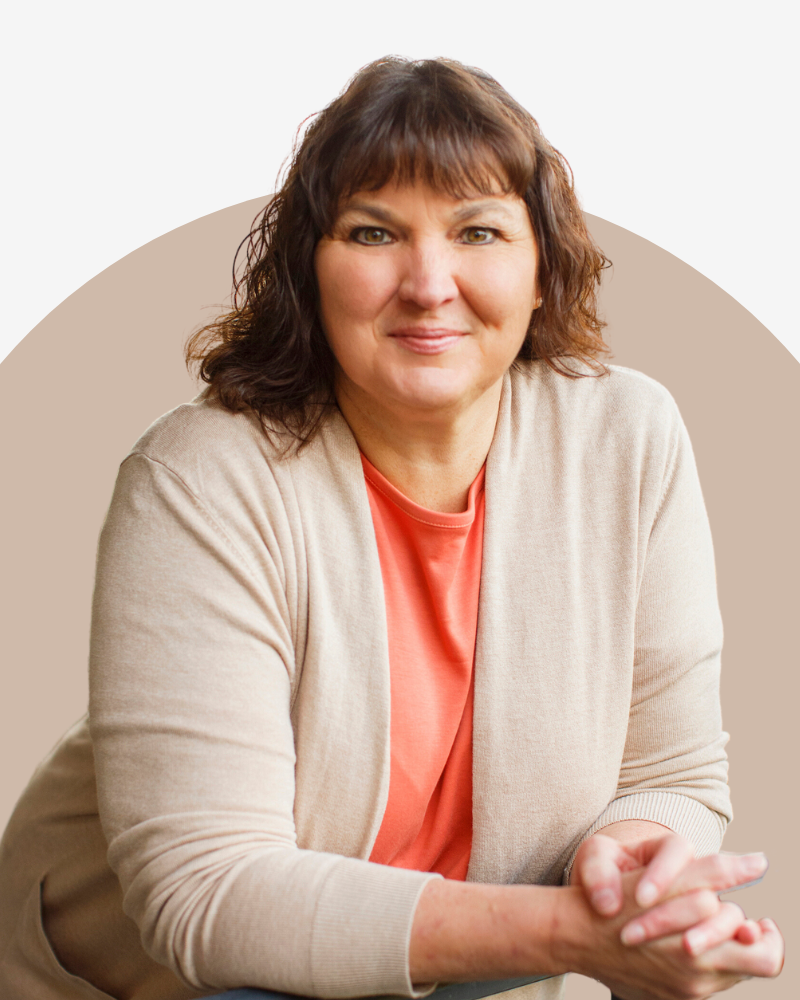

Hey there!
I'm Angela Brooks
Maybe the kids are grown and the house finally went quiet. Maybe you stepped back from the job. For the first time in years, the day is yours. You can get in the car and go without checking in with a single soul. And somewhere in that quiet, you started thinking you'd like to build something that's yours.
Then you sat down to start and went blank. What would I even write about? Who'd want to hear from me?
You're not starting over. You're starting with everything the last thirty years already taught you. That's the part nobody tells you.
I know that spot, because I've stood in it. I spent years as a full-time nurse. Twelve-hour shifts. A family at home. A mortgage. The usual. And somewhere between charting patients and packing lunches, I started a blog on my breaks. Not because I had extra time. Because I didn't. I needed something that would keep working after I closed the laptop.
That blog turned into an income I built one post at a time during lunch breaks and quiet evenings. No big launches. No going viral. Just steady content and affiliate links placed inside posts that kept paying me long after I hit publish.
Now I share what's working, what isn't, and the unpolished middle part nobody else talks about, for women over 50 building their own thing online, on their own terms, without giving up the life they've already built.
What Women Over 50 Ask Me
Can I really build an online business after 50?
Yes, and being over 50 is an advantage, not a handicap. You've lived long enough to have real stories, real experience, and real expertise people will pay attention to. Most online businesses fail because the person behind them has nothing to say. You have the opposite problem.
I work full-time and have a family. Is this realistic?
It is. I built my blog income on lunch breaks while working full-time as a nurse and raising a family. You don't need extra hours. You need small actions aimed at the same goal, week after week. That's what we work through together.
How do bloggers actually make money?
Bloggers earn through affiliate marketing (a commission when a reader buys through your link), display ads, and their own products or services. Affiliate marketing is usually the easiest starting point because there's no inventory, no customer service, and no product of your own to create.
Where do I start?
Start with the Three-Day Mirror. It costs nothing, and in three days it shows you the message you already have, then points you to the content map I built my own business on. From there, you'll know whether this fits your life before you spend a dollar.
Testimonials
What Women Say
"THIS is THE SECRET SAUCE! If there has ever been a freaking cheat code for a system, this is the magical key that unlocks a whole damn universe you never thought could exist!!! Worth its weight in GOLD x 1,000,000! I can not wait to share this!!!"
Jaimee Hamilton
Entrepreneur
"With the Content Map, I was able to create a flow for how to use my created content across multiple platforms. Angela lays out a solid strategy that is simple to implement and is less stressful than chasing the 'algorithms'. Before the Content Map, I was creating completely different content. After I applied what I learned, I am spending less energy on content creation and more time on engagement and sales conversations."
Stephanie Oden
Entrepreneur
"We can't speak highly enough about this amazing lady, Angela Brooks. She is not only an AH-MAZING teacher, but a humble student. What she learns she applies... and she is CONSISTENT until it brings results. She is brilliant, focused, committed and is EXTREMELY successful because of it! She loves people and she's an amazing friend."
Kim Challan
Entrepreneur
Ready for hands-on help?
If you've been reading my content, taking action, and want one-on-one help getting your foundation built faster, let's talk.
Start the Conversation
What to Actually Send Every Week So They Keep Opening
The inbox is a quiet room, and most readers never reply. Here’s what to send your email list every week, why you don’t have to send weekly, and how to know they’re reading.

Start Here: How to Build a Blog That Actually Compounds Into Real Income
You’re already writing. You’re not asking whether you should start a blog — you started one. You’re here because you want to know how to make the next move count. Three doors. Three hubs. One real conversation.
Hub 3: Compound the Work — How to Compound a Blog Into Real Income
You’re not starting. You have posts, an audience, maybe some money coming in. But you can feel the ceiling. The move now isn’t more — it’s stacking what you already built so it pays you on repeat.